REPLAYD

Always recording.
Only what you keep.

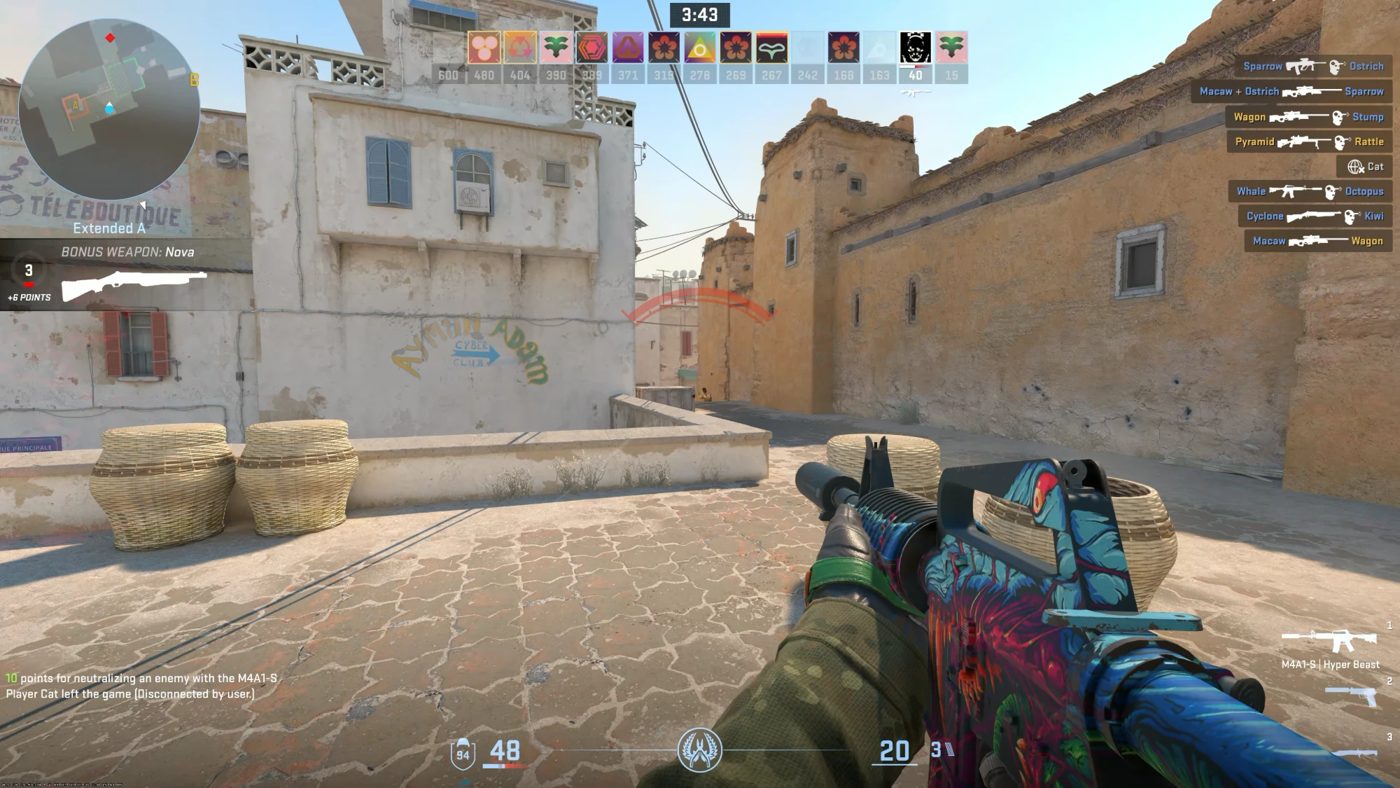
REPLAYD keeps a rolling recording of your game running the whole time you play, held in memory and thrown away as it goes. Press a key and the last few minutes are written to disk — the clip is yours after the moment has happened, with nothing to have started in advance.

Download REPLAYD Windows · Version 0.9.5 · 64-bit · 14.9 MB

Three ways to capture

Replay

The last stretch of play, kept in memory and written out when you press the key. You set how long it holds and how much memory it is allowed — the recording is always running, the disk only hears about it when you decide.

Recording

A whole session, start to finish, straight to disk. Its own bitrate, rate control and frame rate, kept separate from replays — and you can still pull a replay out of a recording while it is running.

Screenshots

One hotkey, PNG or JPEG at whatever quality you pick, saved to the folder you choose. With or without the mouse cursor.

How it stays out of the way

Encoded on the graphics card

NVENC, AMD AMF and Intel Quick Sync, in H.264 or HEVC. Capture and encode both stay on the GPU, so a recording that never stops costs your game very little.

HDR that survives

10-bit capture that records HDR as HDR rather than flattening it to grey — on a display and a player that understand it.

Memory you cap yourself

The replay lives in RAM, so you say how much it may take. Constant bitrate makes that number mean something, and REPLAYD tells you what a given length will cost.

Only the game's audio

Record the whole machine, or just the application being captured — no notifications, no other windows. Add a microphone with its own device, level and mono switch, and nudge the gain 3 dB from a hotkey mid-game.

It lives in the tray

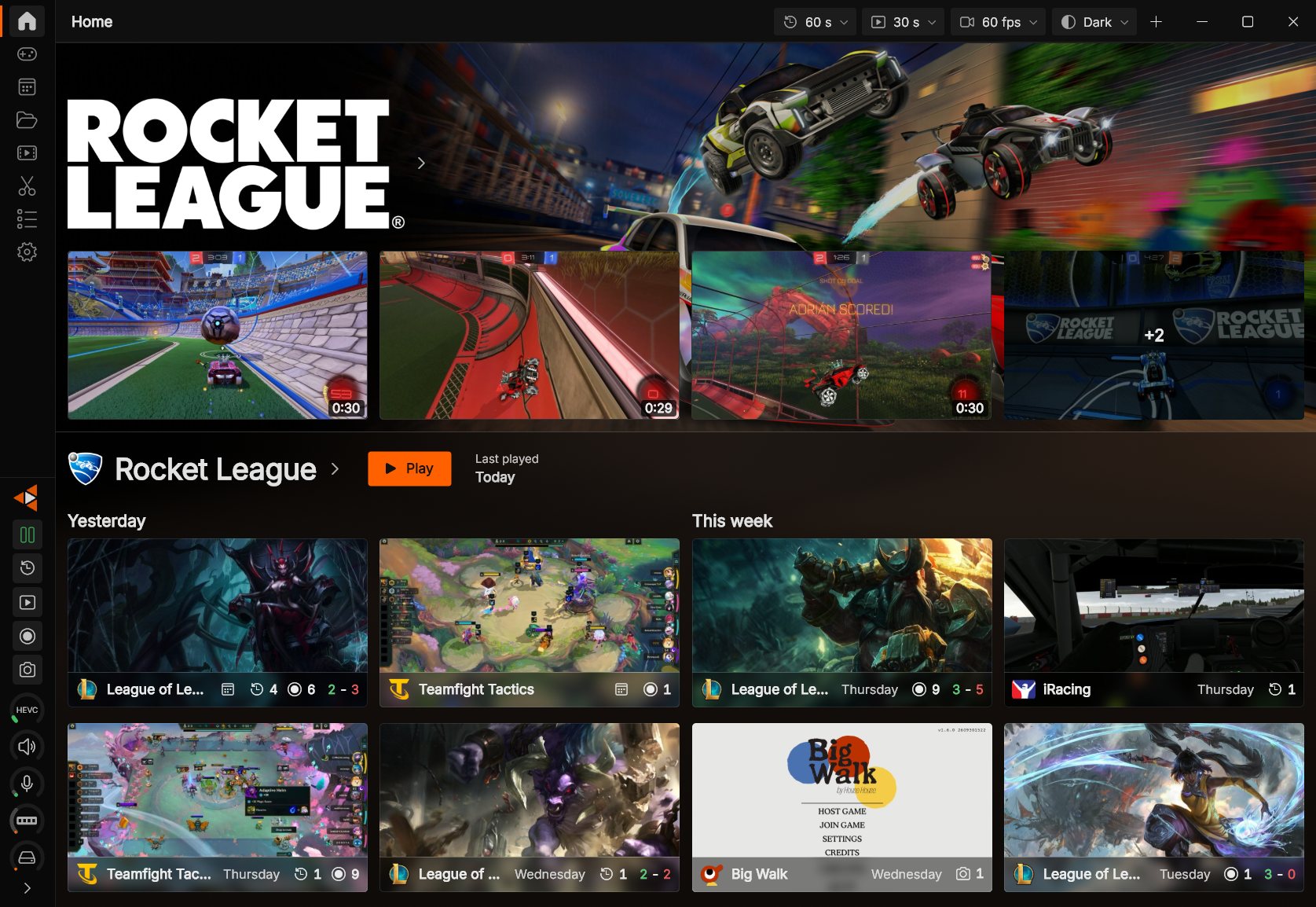
A background service does the work. The window is for setting things up, not for keeping open, and it can start straight to the tray when you sign in.

Told, not interrupted

Every notification is separately switchable — replay saved, replay not saved, screenshot taken, audio changed by a hotkey. Turn on the ones you want and silence the rest.

Tuned per game, not once for everything

A game list that recognises what you are playing, and settings that follow from it. Profiles carry a whole configuration; presets carry the video settings and can be shared between replays and recordings, so changing one changes both on purpose rather than by accident.

A competitive shooter at 60 fps and a modest bitrate, a single-player game at 10-bit and something generous, and the same hotkeys throughout. One game's settings are not every game's.

Everything here is a setting

REPLAYD is built for people who want the dials. Here is what is behind them, by section.

Video

Codec, encoder preset, bit depth, HDR, bitrate, bitrate ceiling, rate control — variable, constant, or constant quality — and frame rate. Set independently for replays and recordings.

Audio

Bitrate, whole-machine or application-only capture, microphone device, microphone level, mono, and gain from a hotkey.

Replay & recording

Replay length, a custom duration you can save, memory ceiling, remembering a stopped replay, and starting a replay with settings chosen for that run.

Hotkeys

Save a replay, start and stop a recording, stop and start the replay, take a screenshot, open the window, change microphone gain. Duplicates are spotted, and there are two ways to register them for games that resist the usual one.

Files

Where replays, recordings and screenshots each go, how they are named, screenshot format and JPEG quality, and deleting the oldest when a folder is full.

Window & startup

Dark, light or whatever Windows is using. Remember position and size, launch when you sign in, start in the tray only, and choose which page opens.

Updates

Check on your own or not at all, hourly to monthly, and separately whether to download and whether to install. Three states, all yours.

Backup

Export every setting, profile and preset to a file, import it back on another machine, or restore the defaults and start again.

Yours, on your machine

Nothing phones home

No ads and no tracking. Your settings, game list and clips stay where they are — and the site that serves the download sets no cookies either.

Updates you opt into

Never check, check and tell you, or check and install. Every release is signed, and REPLAYD refuses one that is not.

Settings you can take with you

They live in %APPDATA%\REPLAYD, per user. Export them, carry them, put them back.

More detail on all of that in the privacy page.

Get it

Download REPLAYD Windows 10 and 11 · Version 0.9.5 · 14.9 MB